13 min read

On this page
- + Mistake #1: Name Errors (LLC Killer)
- + Mistake #2: VIN Errors and Typos
- + Mistake #3: Date Discrepancies
- + Mistake #4: Broken Chain of Assignments
- + Mistake #5: Odometer Disclosure Issues
- + Mistake #6: Dealer Signature Errors
- + How to Spot Errors Before Submission
- + How to Fix Common Errors
- + Why Montana LLCs Are Scrutinized
You bought a new vehicle. You have the “birth certificate”—the Manufacturer’s Certificate of Origin (MCO) or Manufacturer’s Statement of Origin (MSO). You sent everything off to the DMV or your registration service, expecting license plates in the mail.
Instead, you got a rejection letter.
Or worse, you got your entire packet mailed back to you in a sad, crumpled envelope with a sticky note on it.
In the world of vehicle titling, a single typo on an MCO is the difference between cruising down the highway and owning a very expensive driveway ornament. When you are dealing with the Montana Motor Vehicle Division (MVD)—especially for LLC registrations—they do not grade on a curve. They are strict, literal, and unforgiving of certificate of origin mistakes.
Here is the hard truth: The Montana MVD does not call you to ask for clarification. If there is a mistake, they reject the application.
This rejection doesn’t just mean you have to re-send an email. It means the physical documents are mailed back to you or your agent. You have to fix the error (which often involves getting new documents from the dealer or manufacturer), and then you go to the back of the line.
A simple MCO error typically adds 4 to 8 weeks to your registration timeline. Meanwhile, your temporary tags are expiring, your insurance company is asking for proof of registration, and your asset is legally in limbo.
At Zero Tax Tags, we see hundreds of MCOs every month. We act as the firewall between you and a rejection letter. Below are the most common mistakes that cause rejections, how to spot them, and how to fix them before they cost you months of your life.
Mistake #1: Name Errors (The #1 Killer of LLC Registrations)
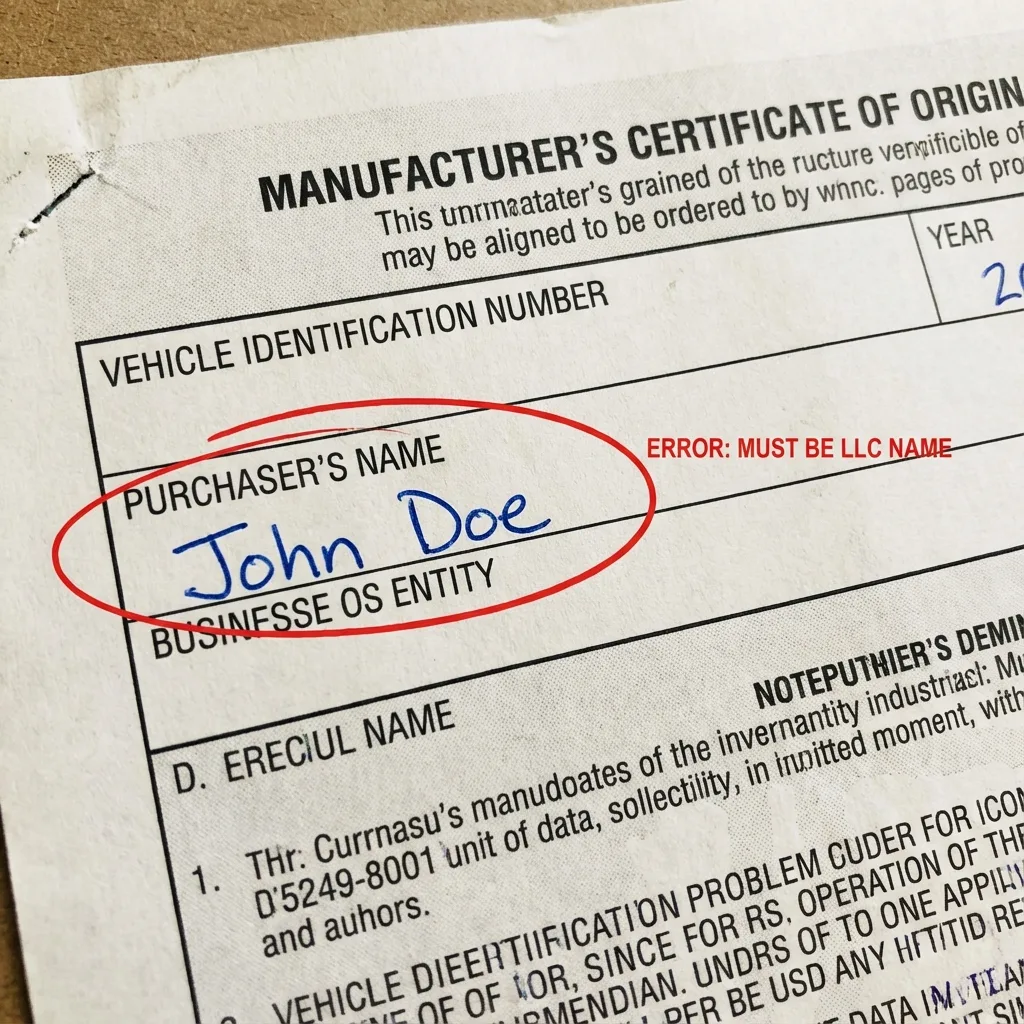
This is the most frequent reason for rejection we see, particularly for clients setting up a Montana LLC to save on sales tax.
When you buy a vehicle to be registered to a Montana LLC, the LLC is the buyer. Not you. Not your spouse. Not “John Smith dba Smith Holdings.”
The name on the front (or back assignment) of the MCO must match the name of the LLC exactly as it appears on the Articles of Organization filed with the Montana Secretary of State.
Common Scenarios That Trigger Rejection:
- Personal Name vs. LLC Name: The dealer puts “John Doe” on the MCO, but you want to register it to “Doe Adventures LLC.” The DMV will reject this because John Doe is not the LLC. You would have to pay sales tax to transfer it from John to the LLC.
- The “And/Or” Trap: Montana is unique. The state does not recognize the conjunction “or” on titles in the way you might expect. If an MCO says “John Smith OR Jane Smith,” Montana generally treats it as “AND.” Both parties must sign. If one is missing, it’s a rejection.
- Misspellings: If your LLC is “Fast Cars Montana LLC” but the dealer types “Fast Cars MT LLC” or “Fast Car Montana LLC,” it can be rejected for not matching the legal entity name.
- Missing Suffixes: If your driver’s license says “Jr.” or “III” and the MCO doesn’t (or vice versa), it can cause identity verification issues.
Real-World Example: A client formed “Blue Sky Overland LLC.” The dealer’s F&I guy was moving too fast and typed “Blue Sky Overland” on the MCO, omitting the “LLC.” The Montana MVD rejected the title application because “Blue Sky Overland” is not a registered legal entity; “Blue Sky Overland LLC” is. That missing three-letter acronym caused a 5-week delay.
Mistake #2: VIN Errors and Typos
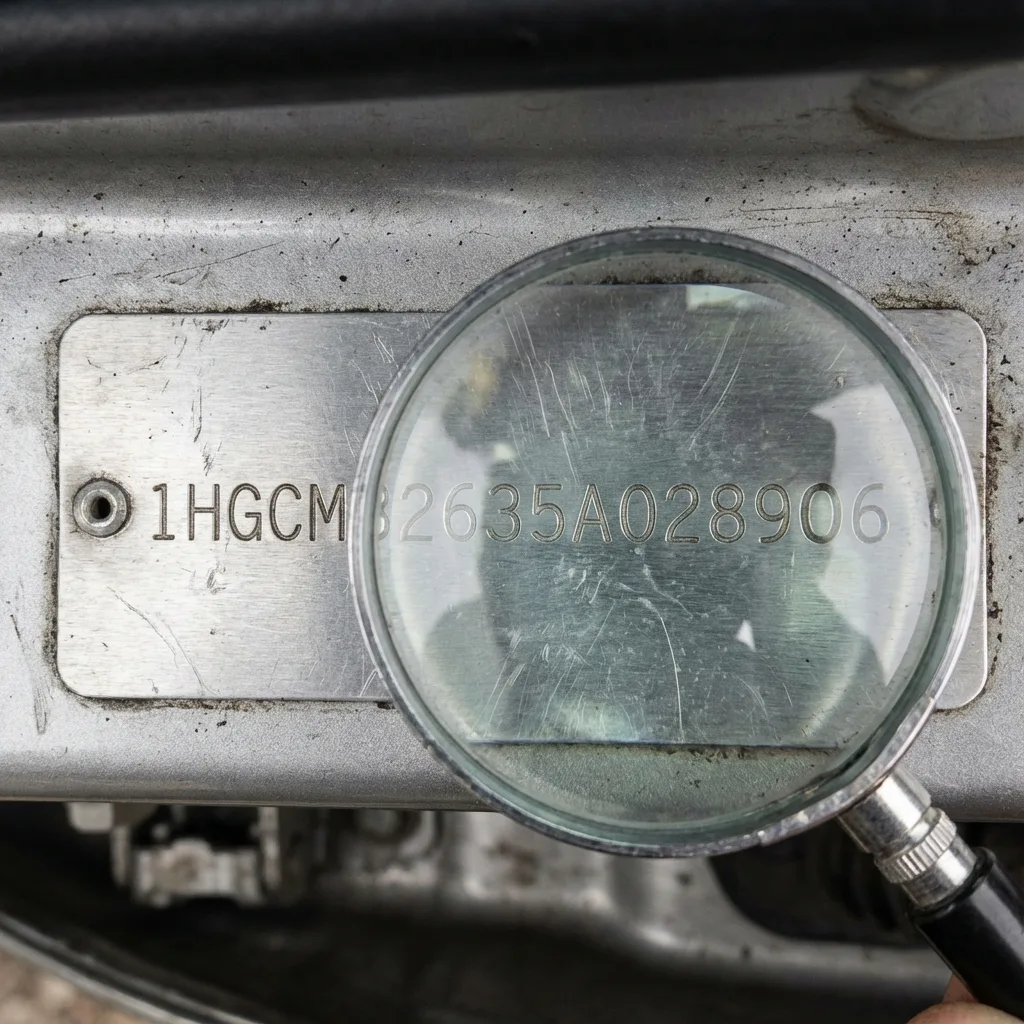
The Vehicle Identification Number (VIN) is the fingerprint of your car. If the VIN on the MCO does not match the VIN on the vehicle—or even if it just looks like it doesn’t match the standard format—the DMV shuts it down.
Dealers type these manually more often than you think. Fingers slip.
The “O” vs. “0” Problem
In standard VIN logic (except for very old vehicles), the letters I, O, and Q are never used to avoid confusion with the numbers 1 and 0. However, humans make mistakes. If a dealer types the letter “O” instead of the number “0,” the DMV system will flag it as an invalid VIN.
Transposed Numbers
It is incredibly easy to type “68” instead of “86.” If the MCO has a transposed number, it legally describes a vehicle that does not exist or belongs to someone else.
Truncated VINs
Sometimes, a printer is misaligned, and the last digit of the VIN gets cut off on the MCO. Even if you “know” what the number is, the document is invalid if the full 17-digit string isn’t clearly visible.
Real-World Example: We received an MCO for a brand new UTV. The VIN on the document ended in ‘4’. The VIN on the actual frame of the UTV ended in ‘9’. The dealer had grabbed the wrong paperwork from the file cabinet. If we hadn’t caught this during our pre-check, the client would have titled a vehicle they didn’t own, creating a legal nightmare that would require unwinding the title with the state.
Mistake #3: Date Discrepancies
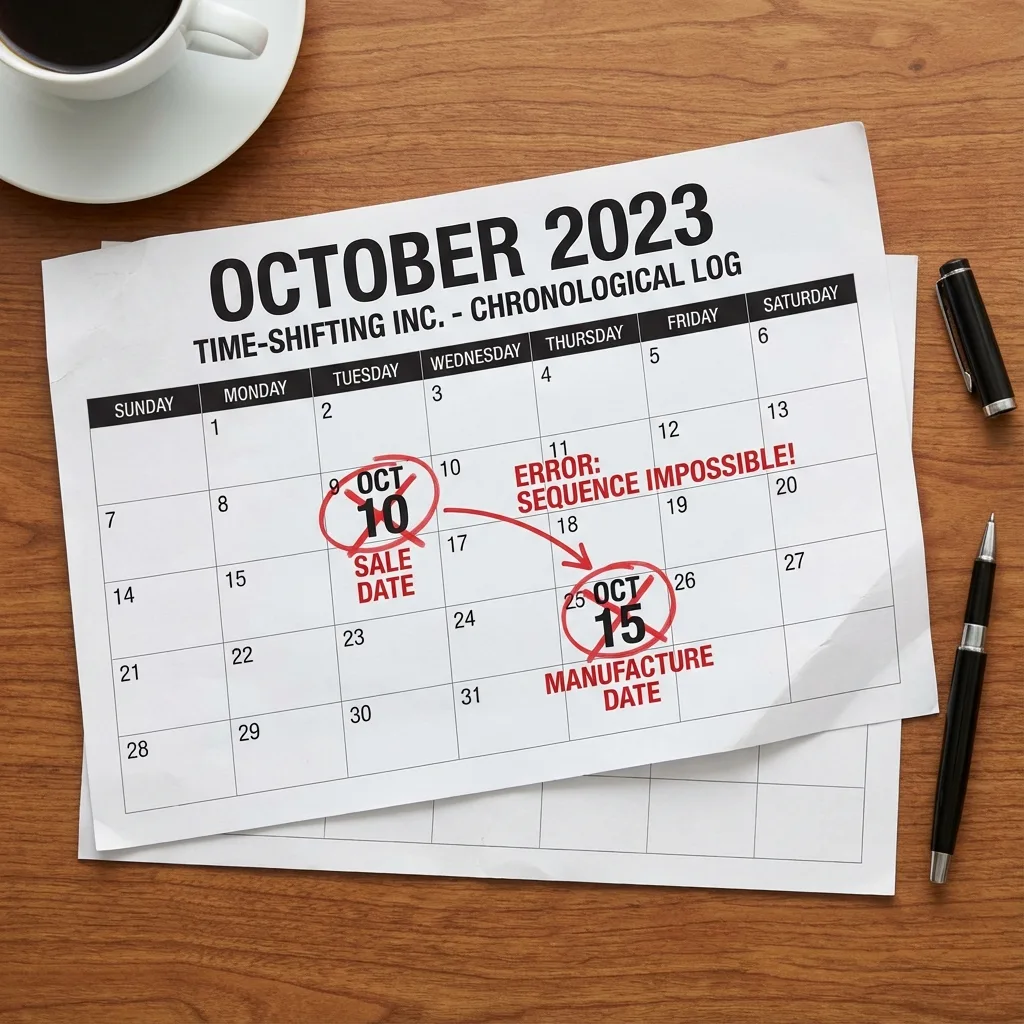
Dates on legal documents tell a story. If the story doesn’t make chronological sense, the DMV assumes fraud or incompetence and rejects the file.
The “Back to the Future” Error
We often see MCOs where the “Date of Sale” is listed before the “Date of Manufacture.” This happens when dealers pre-fill paperwork for a custom order. The DMV computer system will flag this as an impossibility.
Date Format Confusion
If you are buying a vehicle that was imported or dealing with a manufacturer that uses international date formats (DD/MM/YYYY), and the dealer writes “13/05/2024,” a US-based DMV clerk might reject it as an invalid month (there is no 13th month).
Odometer vs. Sale Date
The odometer disclosure statement usually has a date next to the mileage. If the Odometer Date is after the Date of Sale listed on the assignment, the paperwork implies you drove the car before you bought it, which invalidates the odometer reading.
Mistake #4: Broken Chain of Assignments
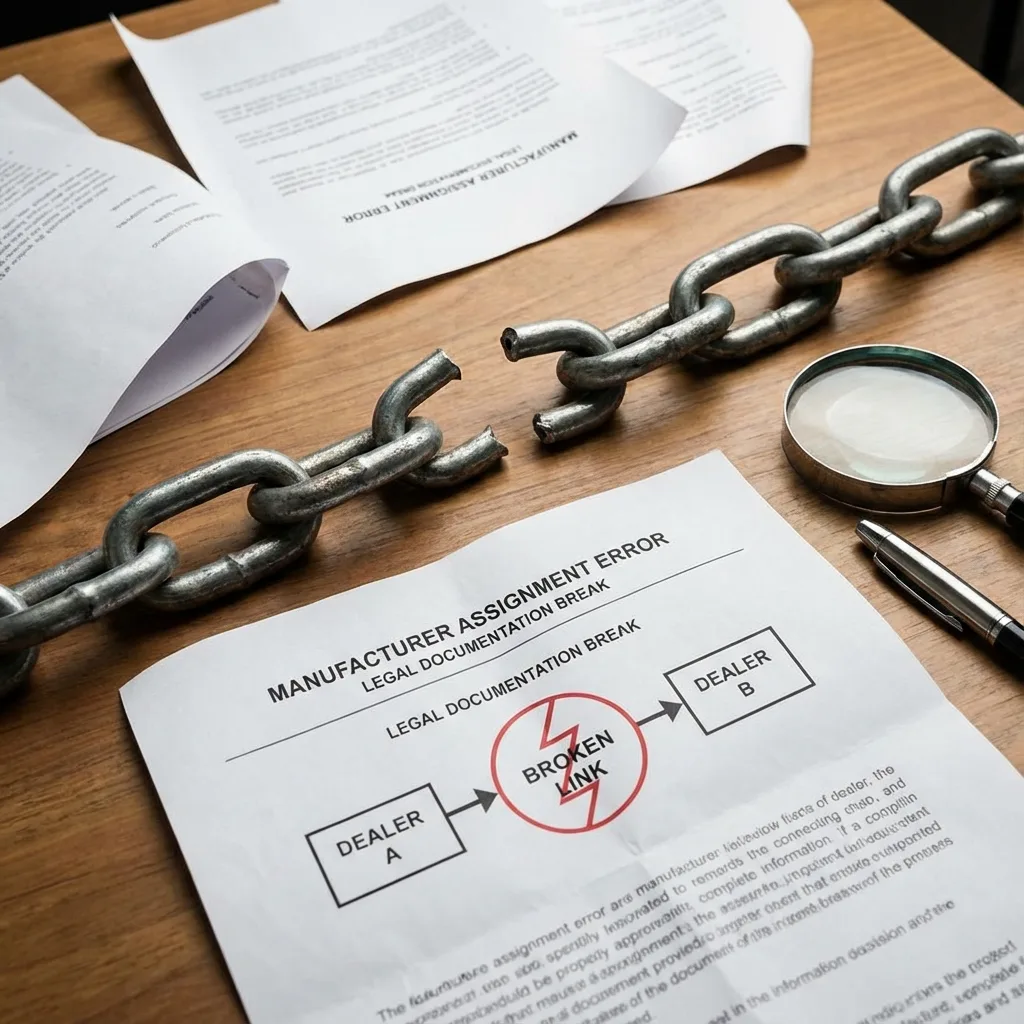
An MCO functions like a baton in a relay race. It starts with the Manufacturer.
- Manufacturer assigns it to Dealer A.
- Dealer A checks the “First Assignment” box and assigns it to You.
However, dealer trades happen constantly.
- Manufacturer assigns to Dealer A.
- Dealer A trades the car to Dealer B.
- Dealer B sells it to You.
The Mistake: If Dealer A assigns it directly to Dealer B, but Dealer B forgets to complete the “Second Assignment” section on the back of the MCO before sending it to you, the chain is broken. You cannot skip a link in the chain. The paperwork must show every transfer of ownership.
If there are gaps—or if Dealer A assigns it to Dealer B, but then Dealer A also tries to sign it over to you in a different section—the document is void.
Real-World Example: A client bought a Ford Raptor. The MCO showed the Ford Factory assigned it to “Metro Ford.” The client bought it from “Country Ford.” There was no assignment on the back from Metro to Country. The MCO made it look like Country Ford stole the truck from Metro Ford. The title application was rejected immediately.
Mistake #5: Odometer Disclosure Issues
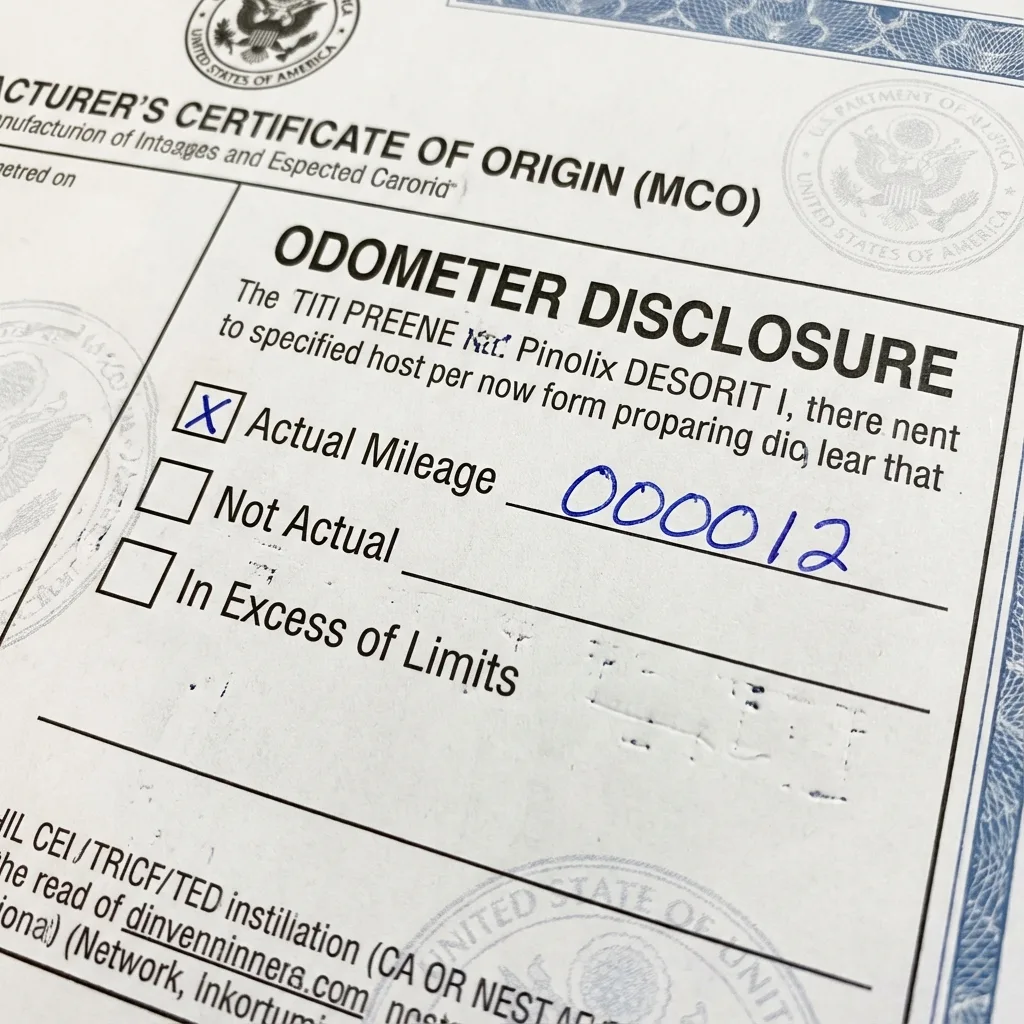
The Federal Odometer Act is federal law. It is not a suggestion. The Montana MVD is required to uphold these standards strictly.
Missing Mileage
If the mileage box is left blank, the MCO is invalid.
“Actual” vs. “Not Actual”
There are checkboxes next to the mileage:
- Actual Mileage: The number is correct.
- Not Actual/Exempt: The odometer is broken or the vehicle is old enough to be exempt.
- In Excess of Mechanical Limits: The odometer rolled over.
On a new vehicle with an MCO, the box must be checked as “Actual Mileage.” We see dealers accidentally check “Not Actual” or leave it blank entirely. A “Not Actual” brand on a brand-new car destroys its resale value and will trigger a rejection or a branded title you don’t want.
No Tenths
Some MCOs ask for tenths of a mile; others don’t. If the odometer says “15.6” and the dealer writes “156” without the decimal, you just bought a “new” car with 156 miles on it according to the state. While this might not cause a rejection, it creates a permanent record error.
Mistake #6: Dealer Information and Signature Errors
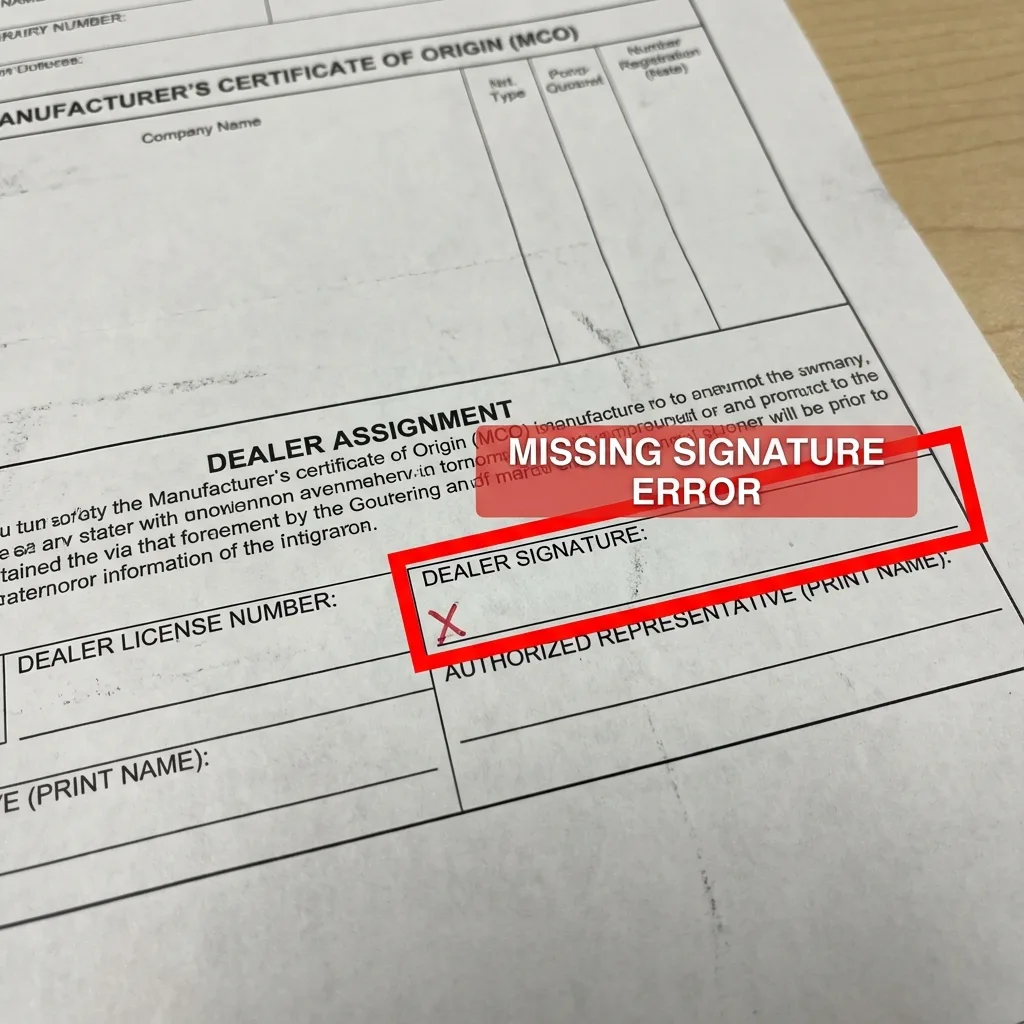
The MCO is a certification. It requires an authorized representative of the dealership to sign it.
The “Ghost” Signature
Dealers are busy. Sometimes they print the MCO, fill out the buyer info, and simply forget to sign the “Authorized Representative” line. An unsigned MCO is just a piece of fancy paper. It has no legal weight.
License Number Mismatches
The dealer must list their Dealer License Number. If this number is missing, illegible, or doesn’t match the dealer name on file (e.g., the license is for the service center, not the sales floor), the MVD may flag it.
Alterations and White-Out
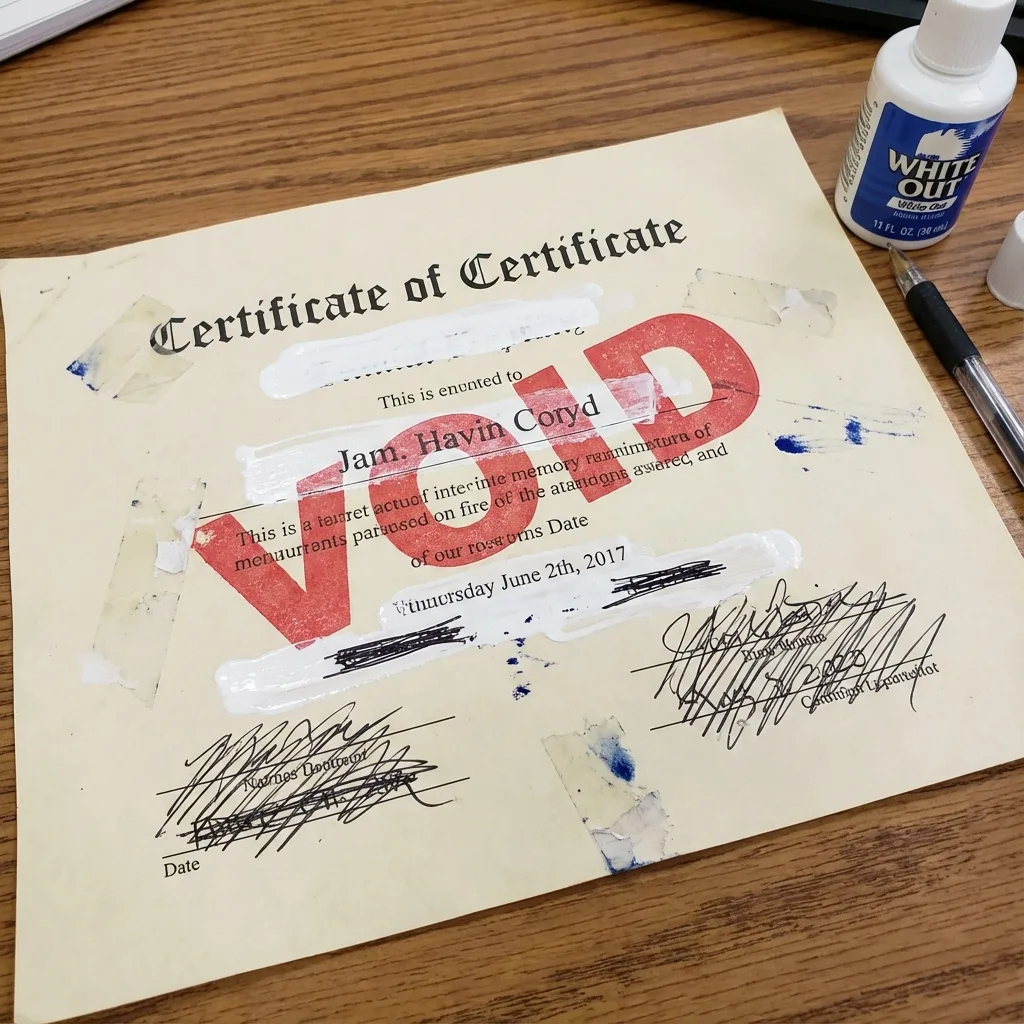
CRITICAL WARNING: You cannot use White-Out (correction fluid) on an MCO. Ever.
If a dealer makes a mistake on a date or name, and they try to scribble it out or use White-Out, the Montana MVD (and almost every other state) will void the document immediately. Altered documents are treated as potential fraud.
How to Spot Errors BEFORE Submission (The Zero Tax Tags Pre-Check)

Most people don’t look closely at their MCO. They assume the dealer knows what they are doing. This is a dangerous assumption. Dealers employ humans, and humans make data entry errors.
Before you mail your documents to Zero Tax Tags (or anyone else), lay the MCO on a table and do this 60-second audit:
- Name Check: Does the “Purchaser” name match your LLC name exactly? (Look for “LLC” at the end).
- VIN Check: Read the VIN on the MCO backward. Then read the VIN on your Bill of Sale backward. Do they match?
- Signature Check: Is there a signature in the “Seller” or “Dealer” block?
- Odometer Check: Is there a number written in the mileage box? Is “Actual Mileage” checked?
- Chain Check: Look at the front. Who is the dealer? Look at the back. Is that same dealer assigning it to you?
- Alteration Check: Do you see any crossed-out words or White-Out? (If yes, stop. Do not send it.)
At Zero Tax Tags, we perform a rigorous Pre-Check on every document package we receive. We don’t just blindly courier your envelope to the MVD. We audit the MCO, the Bill of Sale, and the application forms. If we find a mistake, we flag it and tell you exactly how to fix it before it enters the MVD’s 8-week black hole.
Related guides to prevent certificate of origin mistakes:
How to Fix Common Errors
So, you found a mistake. Now what?
Do NOT write on the MCO yourself. Do not try to fix it with a pen. You will void the document.
1. The Statement of Fact (Form MV100)
For minor clerical errors (like a slightly misspelled address or a date that is obviously a typo), Montana allows the use of a Statement of Fact (Form MV100). This is a notarized affidavit where the dealer or buyer explains the error.
- Example: “I, the dealer, inadvertently wrote the date as 2025 instead of 2024. The correct date is…”
- Zero Tax Tags can help draft these for you to ensure they meet MVD standards.
2. The Statement of Correction (Form MV11AB)
This is used specifically to correct discrepancies. It often needs to be signed by the dealer.
3. Getting a Duplicate MCO
For major errors—like a wrong VIN, a name that is completely wrong (personal vs. LLC), or use of White-Out—you usually cannot use an affidavit. You must contact the dealer and request a Duplicate MCO.
The dealer will have to contact the manufacturer to issue a new document. The old one must be destroyed or returned. This takes time, but it is the only way to get a clean title.
Why Montana LLCs Are Scrutinized More Heavily

When you register a vehicle in Montana through an LLC, you are dealing with a specialized process. The Montana MVD knows these are often out-of-state owners. They are vigilant about ensuring the LLC is in “Good Standing” with the Secretary of State and that the EIN (Tax ID) on the application matches the IRS records.
If your MCO says “Smith Consulting” but your EIN belongs to “Smith Consulting LLC,” the mismatch will trigger a rejection.
This is why using an experienced service like Zero Tax Tags is critical. We aren’t just a mail-forwarding service. We are title experts. We know the difference between a mistake that needs a Statement of Fact and a mistake that requires a new MCO.
Don’t Let a Typo Park Your Ride
A rejection letter is more than an annoyance; it’s a liability. It means your vehicle is unregistered, your temporary tags are burning out, and you cannot legally drive the asset you just bought.
Don’t rely on the dealer to get it right. They sell cars; we register them. There is a difference.
Let Zero Tax Tags review your documents. We catch the errors, guide you through the fixes, and ensure that when your application hits the MVD desk, it sails through to approval.
Ready to Avoid Certificate of Origin Mistakes?
Get your MCO reviewed by Montana title experts before submission. We catch errors that cost you 4-8 weeks.